
YOUR CALL IS NOT YET CONFIRMED. READ BELOW.
Two steps below, then one thing to prepare. Three minutes.
Your slot is held.
Paweł confirms every booking by hand. Do the three steps below and the slot is yours.
1Accept the calendar invite
Two emails land after you book: the Calendly confirmation, and a calendar invitation. Open the invitation and press Yes — or Add to calendar, if that is what your email shows. Either way the Google Meet link lands in your calendar and Paweł sees you are coming. If you decide this with a partner, forward them the invite now — hearing it first-hand beats relaying it afterwards.
2Check that you qualify
Starting Flambia requires three things. All three, before Paweł confirms a call:
-
$3,000 set aside for Meta ads. Customers come from Facebook and Instagram ads, so the money has to be there before you start. -
Your kitchen can turn out 500 meals a day. About 100 customers on five meals each, delivered by morning — from a kitchen you already run, cooking food people order again. -
You can start within 14 days. Not in three months. The first customers arrive as soon as the ads do.
All three true? Then you are done here — Paweł confirms your slot and you will hear from him before the call.
Not all three yet? That is fine. The whole model is written up here, free: The ugly truth about starting a food business in 2025. Then use the cancel link in your email to put the time back on the calendar — somebody who is ready will take it. Come back when all three are true, and nobody will chase you in the meantime.
3Watch the film before we talk
Haven’t watched it yet? Now is the time — the call assumes it. Eighteen minutes: how customers pay for a week of dinners up front, what the first weeks in your kitchen look like, and the numbers behind all of it.
Paweł opens the call assuming you have seen it, so the 30 minutes go to your kitchen and your city instead of the basics.
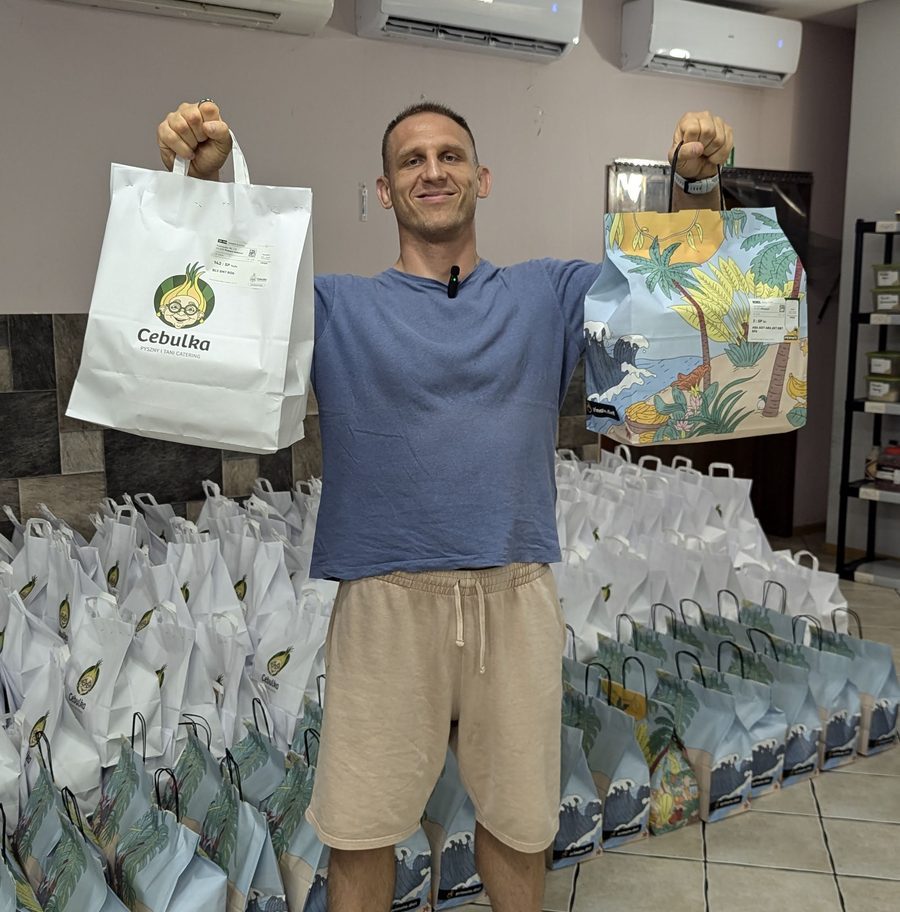
This is who you are meeting
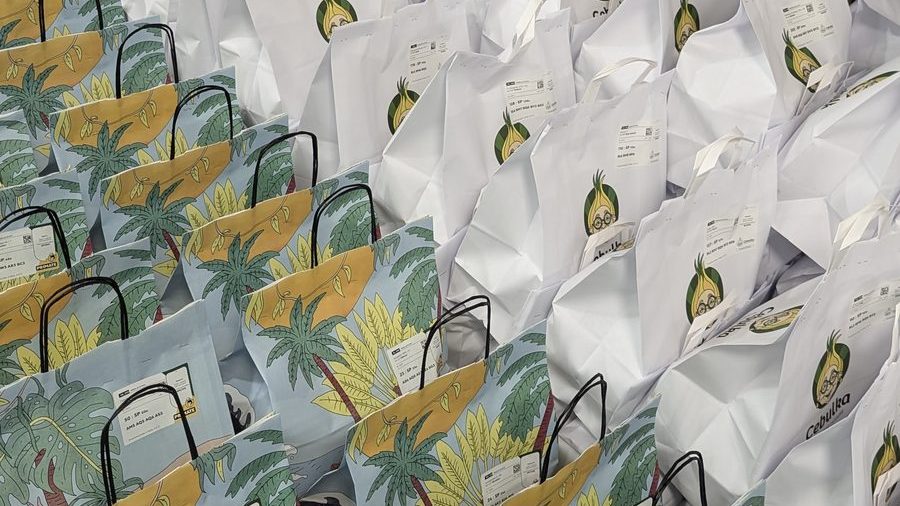
Paweł built, ran and sold three prepaid meal-prep brands. Those bags are labelled and lined up for the delivery run — at peak, about 10,000 meals a day, every one delivered by morning.
What the 30 minutes do
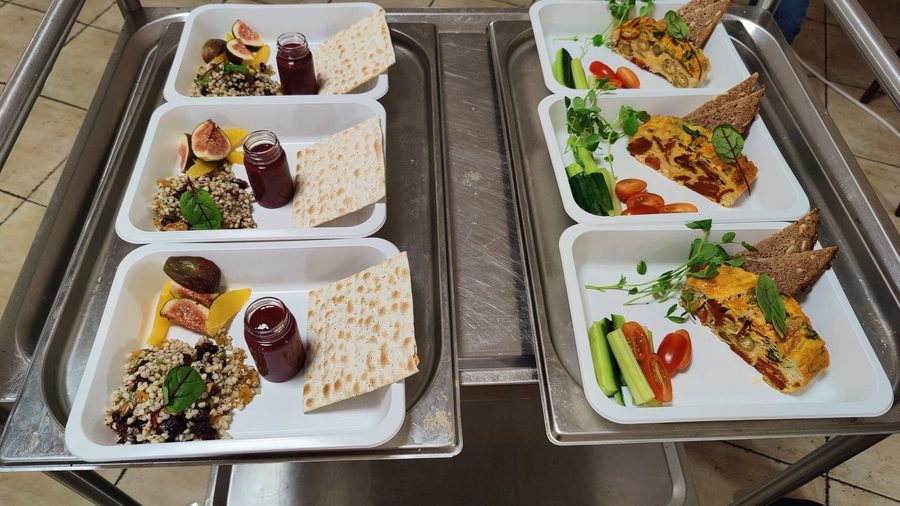
or not
- your rough monthly food cost,
- how many covers or orders you do now,
- the neighbourhoods you would deliver to.
With those we work out what a prepaid line would do in your city. Without them it stays a chat.
Be at a computer, on Google Meet, camera on.
Something came up? Use the reschedule link in the same email. Better than cancelling — you keep your place.